Works with Microsoft Teams
Teams is where your team works.
We bring the operation to it.
Add Proptonomy to Microsoft Teams and invite it to the channels you already run. Escalations land in the right one (Maintenance, Housekeeping, Operations), approvals are a reply away, and it can message whoever is on duty. Guests and partners stay on their channels; Teams is for your team.
Add to your Teams in minutes · Escalations routed by channel purpose · Nothing sent to a guest until you say so
Running the operation at









A teammate, not another dashboard.
Teams stays your team's home. Proptonomy is the teammate that shows up in the right channel with the right question, and goes quiet again once it has an answer.
Escalations land in the right channel
Describe what each channel is for and the router does the rest: a broken boiler goes to Maintenance, a missed clean to Housekeeping, a refund question to Operations. Outside working hours, non-urgent items wait for the morning digest.
Approve with a reply
Anything that needs a human lands as a yes/no question in the channel. Reply, and the AI executes and reports back in the same thread. Nobody opens a dashboard.
Chats whoever is on duty
When a channel is not the right place, it can message the person responsible, with the property, the reservation and the guest's words attached, and files both ways.
Chases every job to done
No answer from the cleaner? It follows up during working hours, escalates to a backup, and closes the task itself once the job is confirmed.
Learns how you work
Every answer you give becomes property knowledge and a procedure. The next turnover, the next guest with the same question: it already knows.
Leaves a full trail
Every message, action and decision is logged against the reservation. Watch it work, take over any conversation, hand it back when you are done.
A guest message, all the way to done.
The guest writes in. The AI answers her, opens the task, gets the handyman on WhatsApp, and tells her when it is fixed. Nobody on your team touched a thing.
Teams stays your team's home.
- Channels
- Chats
- Files
Add Proptonomy to your Teams, invite it to the channels you want it in and give each a one-line purpose. Escalations, approvals and updates arrive there, and it can message the person on duty. Remove it from a channel and it stops reading it.
New listings live in a day. Shot on a phone.
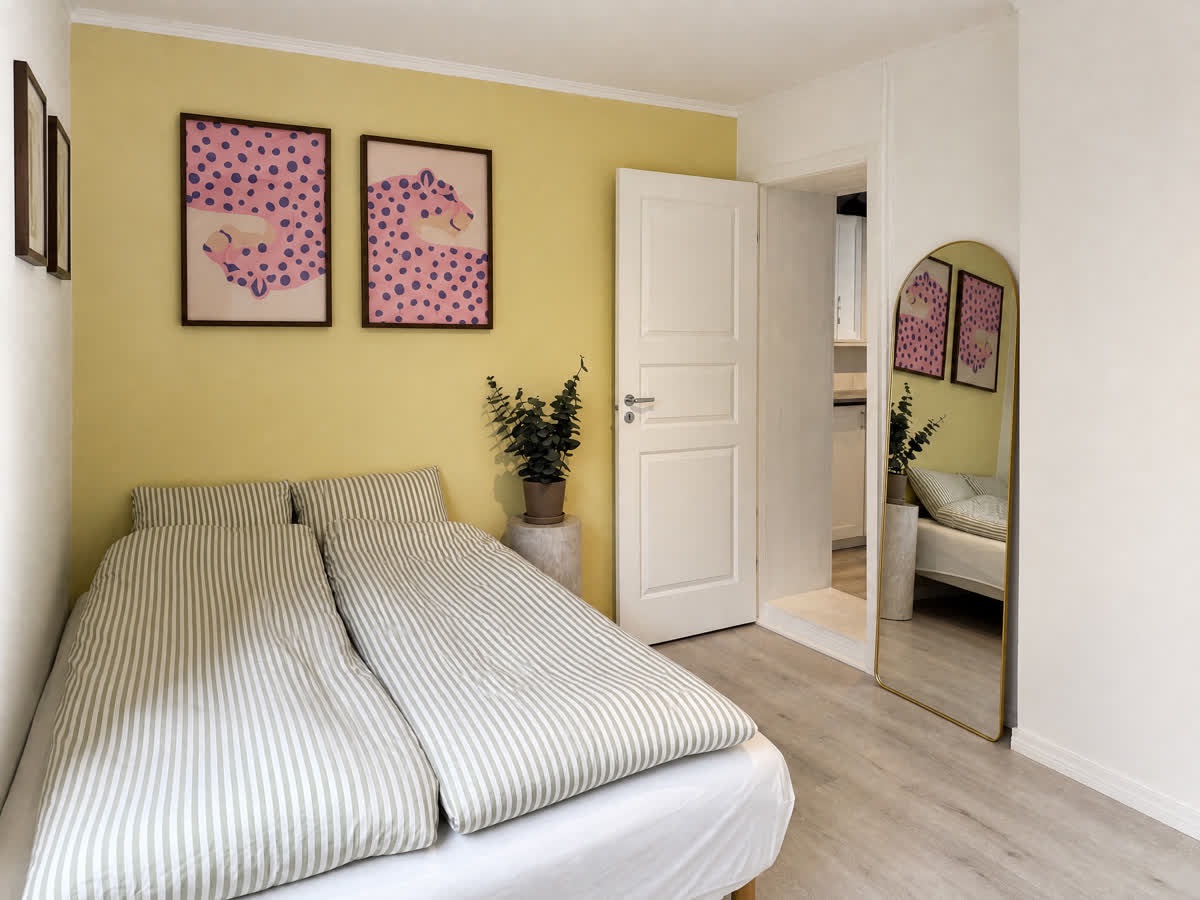
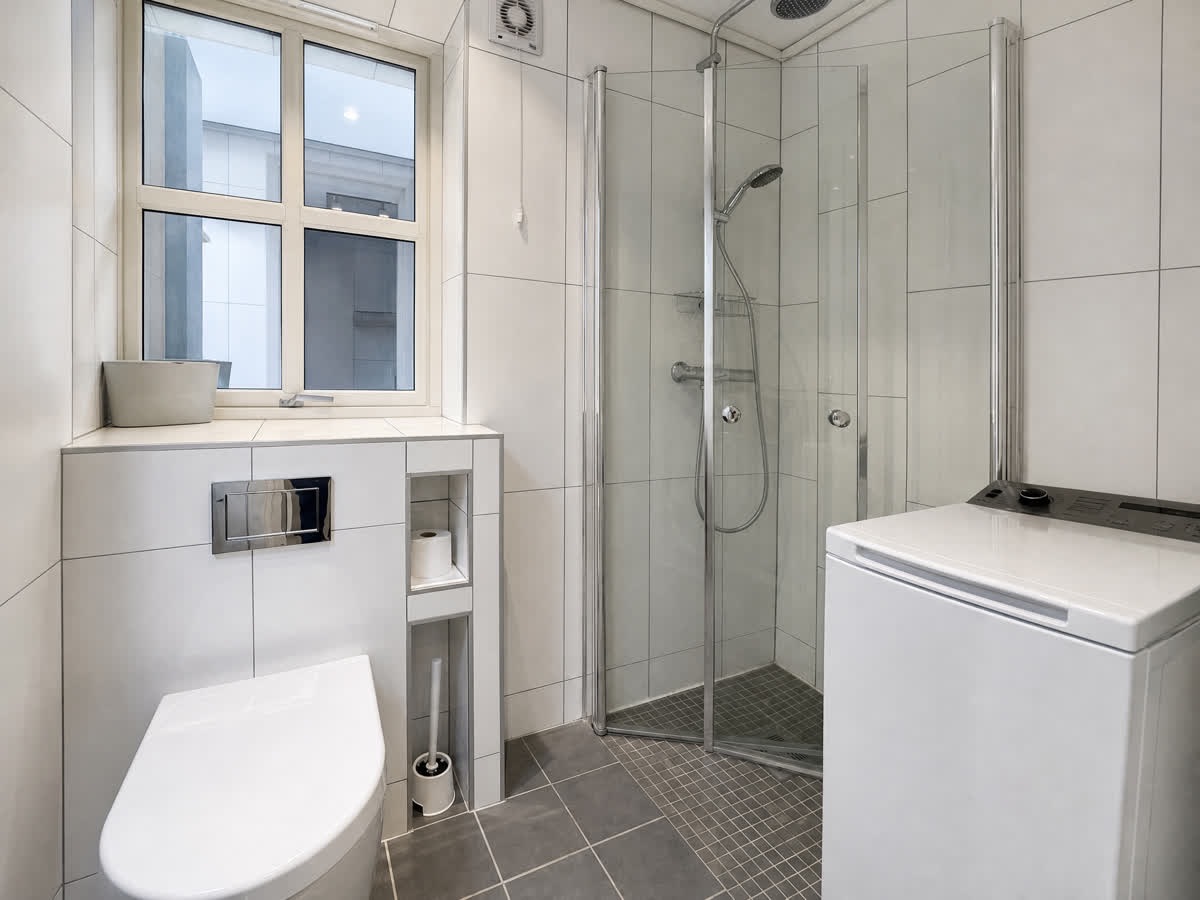
Send the owner a link. They walk the home, answer the checklist and snap photos as they go. Proptonomy turns the snapshots into listing-ready shots, writes the description and builds the property knowledge your AI teammate will use for years, then hands you the finished gallery, ready to publish in your PMS.
The owner does the onboarding. You watch a progress bar.
 Reshoot
 Phone photo
 Reshoot
 Phone photo
 Reshoot
 Phone photo
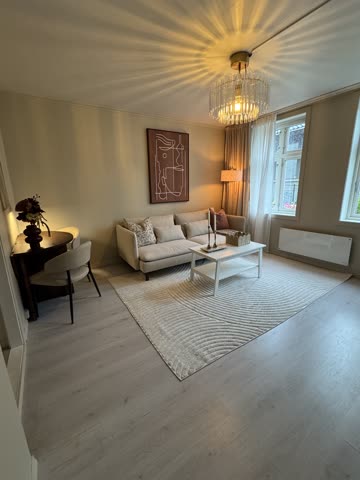
Real output. The small tile is the phone photo exactly as uploaded; the large one is what Reshoot Studio made from it.
Observe mode first
Every reply starts as a draft you approve. Turn on auto-reply per chat or inbox when you trust it. Not on day one.
Your tenant stays yours
Added through Microsoft's own authorisation with the permissions shown at install. It only reads the channels you add it to; remove it from a channel or the tenant and it is gone.
GDPR, hosted in the EU
European infrastructure, a data processing agreement on request, and access to your data that you can revoke at any time.
Three steps, one afternoon.
- 1
Tell us about your account
Two minutes in the form below. We open your workspace the same day and send you the connect link.
- 2
Add Proptonomy to Teams
Upload our app package in your Teams admin center, then add Proptonomy to Maintenance, Housekeeping, Operations or whatever you run. One line describing each channel's purpose is all the routing needs.
- 3
Watch it work the channels
Escalations start arriving where they belong. The AI starts in observe mode on the guest side: it drafts replies and shows you what it would send, and sends nothing to a guest until you switch it on.
Let's get you connected.
Tell us about your setup and we'll open your workspace today. You'll see the AI working on your own reservations before you decide anything.
The things managers ask us first.
Something else on your mind? Write to hello@proptonomy.ai. A person answers.
Minutes. Approve Proptonomy in your tenant, add it to the channels you want it in, describe each channel in one line, done. The half hour we spend with you is about who approves what and when.
No. New accounts run in observe mode: the AI reads everything and drafts replies, but nothing is sent until you turn auto-reply on, and you turn it on where you want it, inbox by inbox. Most managers watch the drafts for a week first, then enable it on the question types they see it getting right.
Not until you say so. New chats and inboxes start in observe mode: the AI reads, drafts and shows you what it would send. You turn auto-reply on chat by chat, inbox by inbox, and you can take over any conversation and hand it back when you are done.
That is most of the point. Cleaners, handymen, owners and suppliers work in WhatsApp, Telegram, Slack, LINE and e-mail. Proptonomy runs those conversations and reflects the outcome back onto the reservation and the task. Your team keeps one board; nobody has to learn a new app.
No. Microsoft Teams stays the app your guests use. Proptonomy is the teammate behind it: answering, dispatching, chasing, and asking your team when a human call is needed.
For reservations, yes: connect Guesty, Hostaway, Uplisting, Lodgify, KrossBooking or Resly and the AI knows who is staying where and when. The channel is where the conversation happens; the PMS is what it is about.
It scales with the number of listings you connect, and there is no setup fee. Tell us your listing count in the form and we'll put a number in writing before you connect anything.
Your people are already on Microsoft Teams. Now handle everything else.
Connect Microsoft Teams and watch a week of your team's coordination run itself.
Connect Microsoft Teams