Listing photos,
shot on a phone.
Upload the walk-through snapshots you already have. Reshoot Studio straightens, relights and tidies every room, adds new angles and an evening version, has an AI reviewer grade each shot, and hands you a gallery you approve photo by photo.
- Real rooms, nothing invented
- Reviewed before you see it
- You approve, photo by photo
 Reshoot
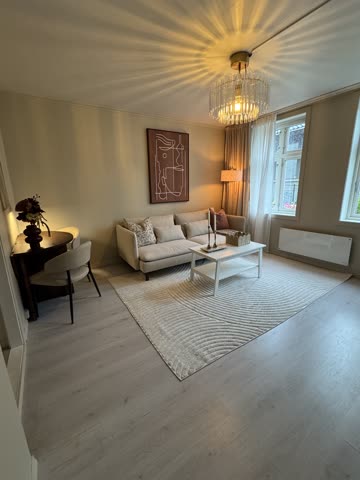 Phone photo, as uploaded
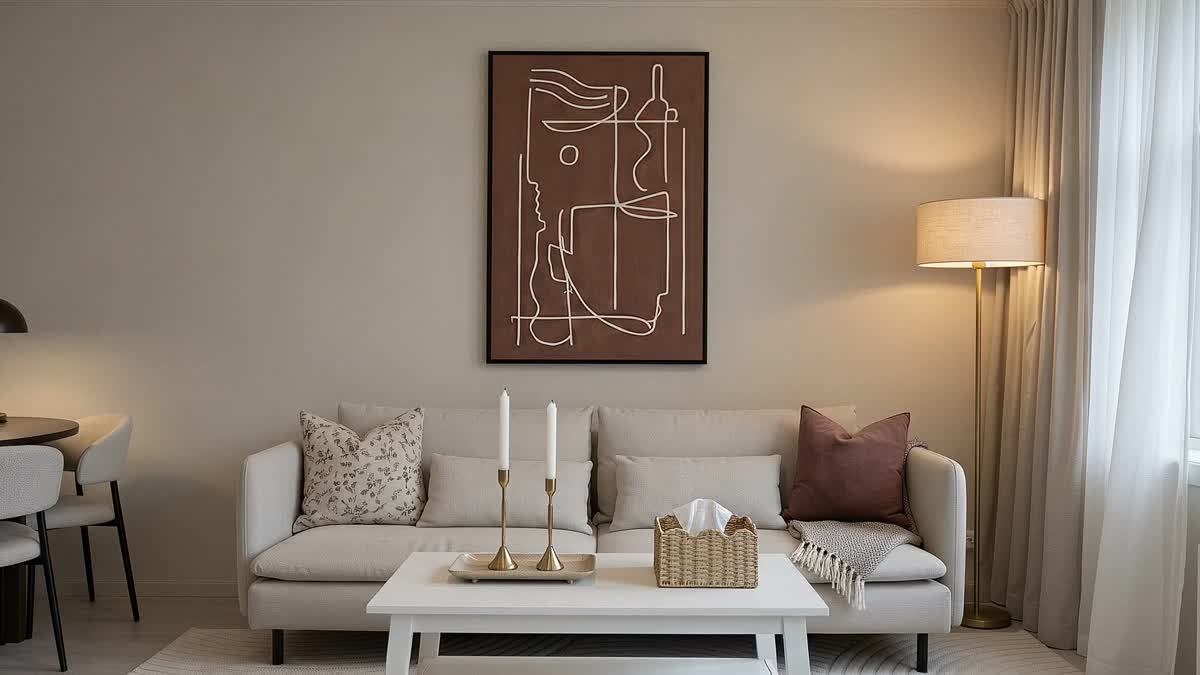
Living room. Left: the owner's phone snapshot. Behind it: what Reshoot Studio made from that one frame.
Real output
Same rooms. One phone walk-through.
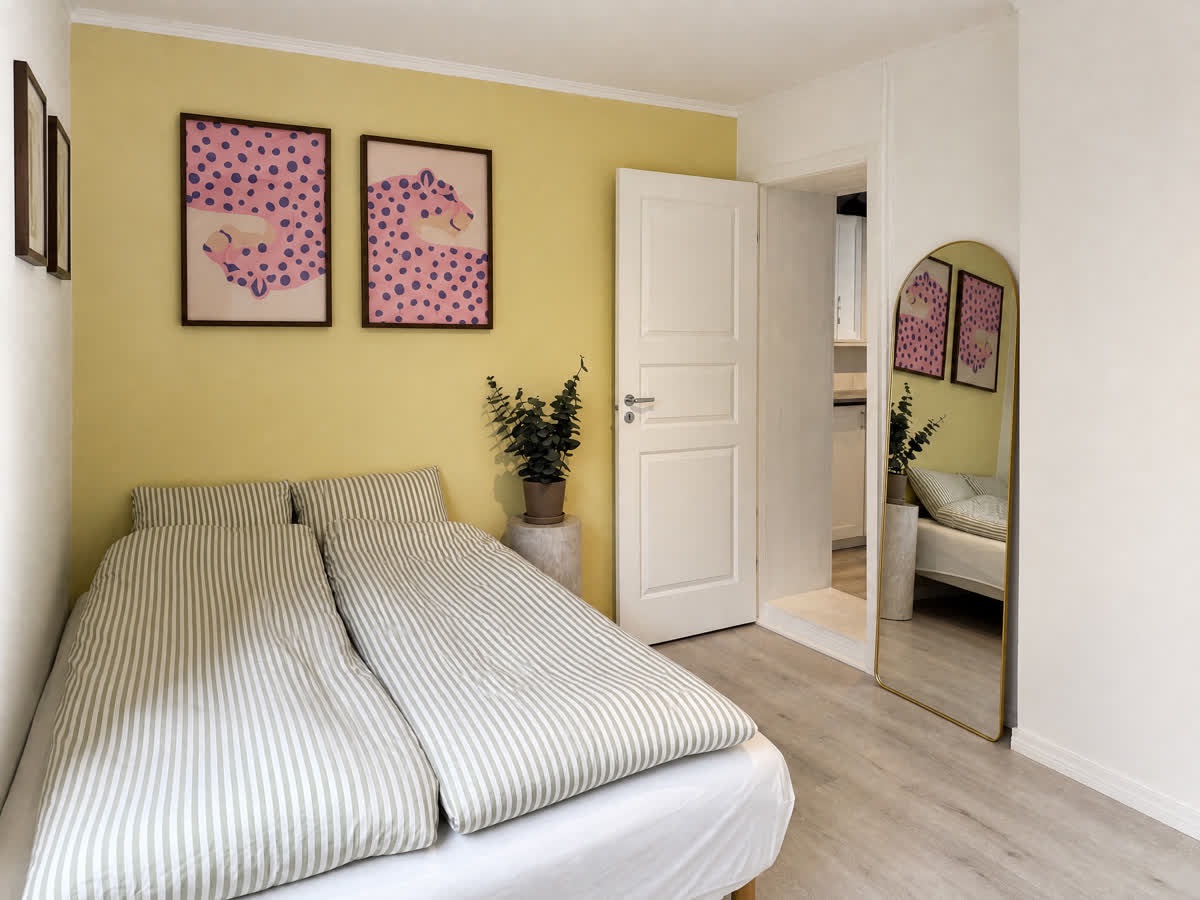
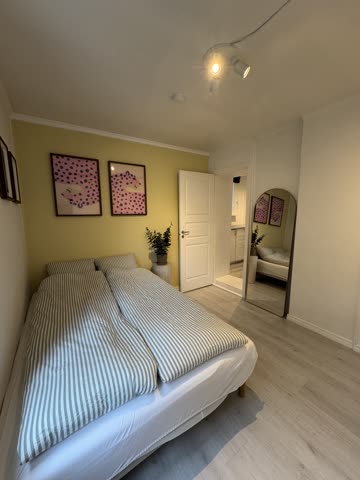
Nothing here is staged for the website. The small tile in each frame is the phone photo exactly as it was uploaded; the large one is the shot the studio generated from it.
 Reshoot
 Phone photo
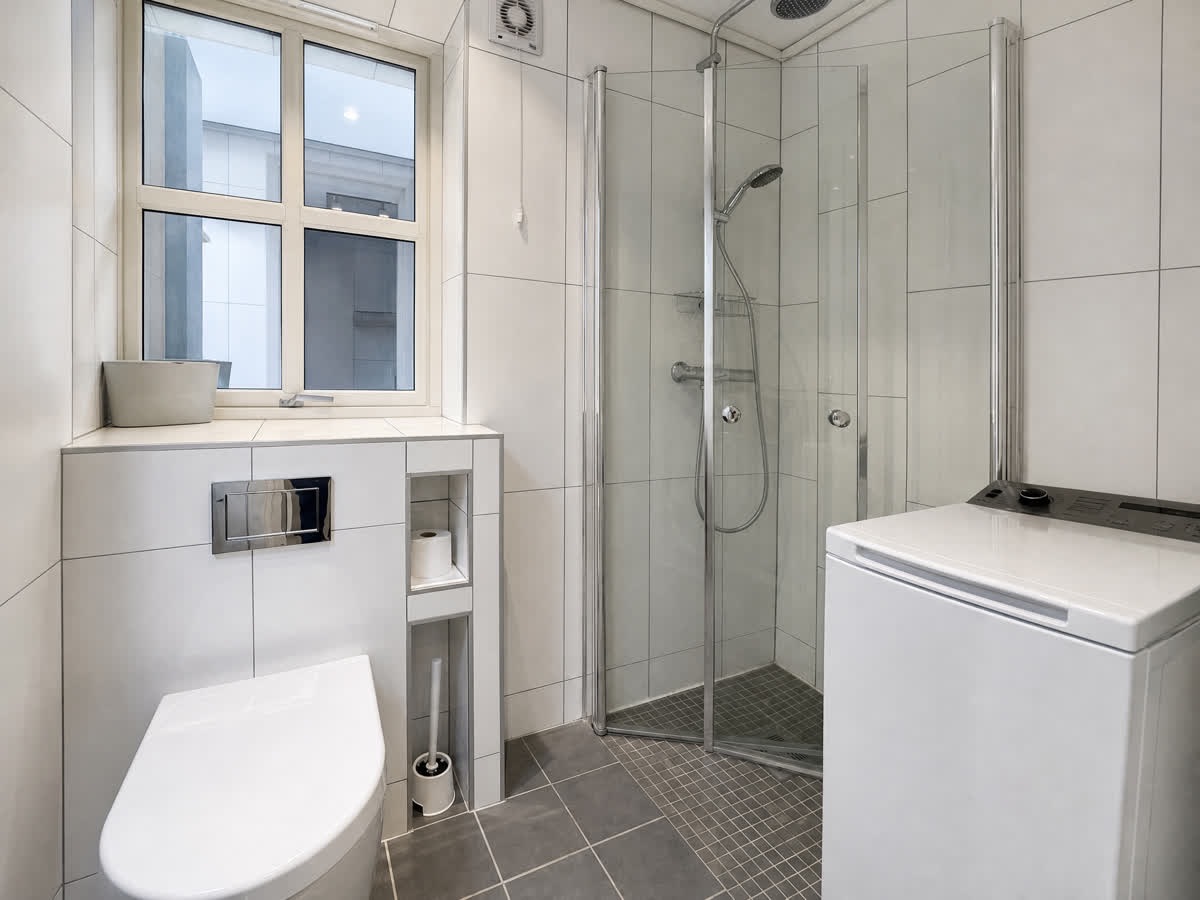 Reshoot
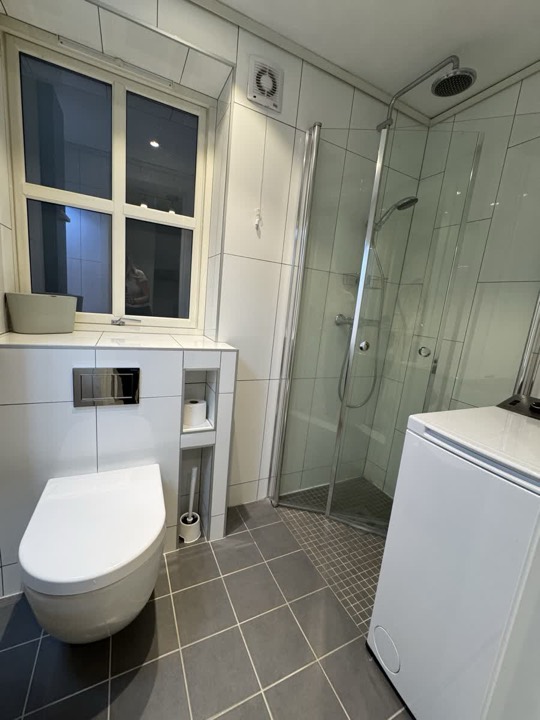 Phone photoReshootPhone photo
More from the same walk-through: new angles and detail shots
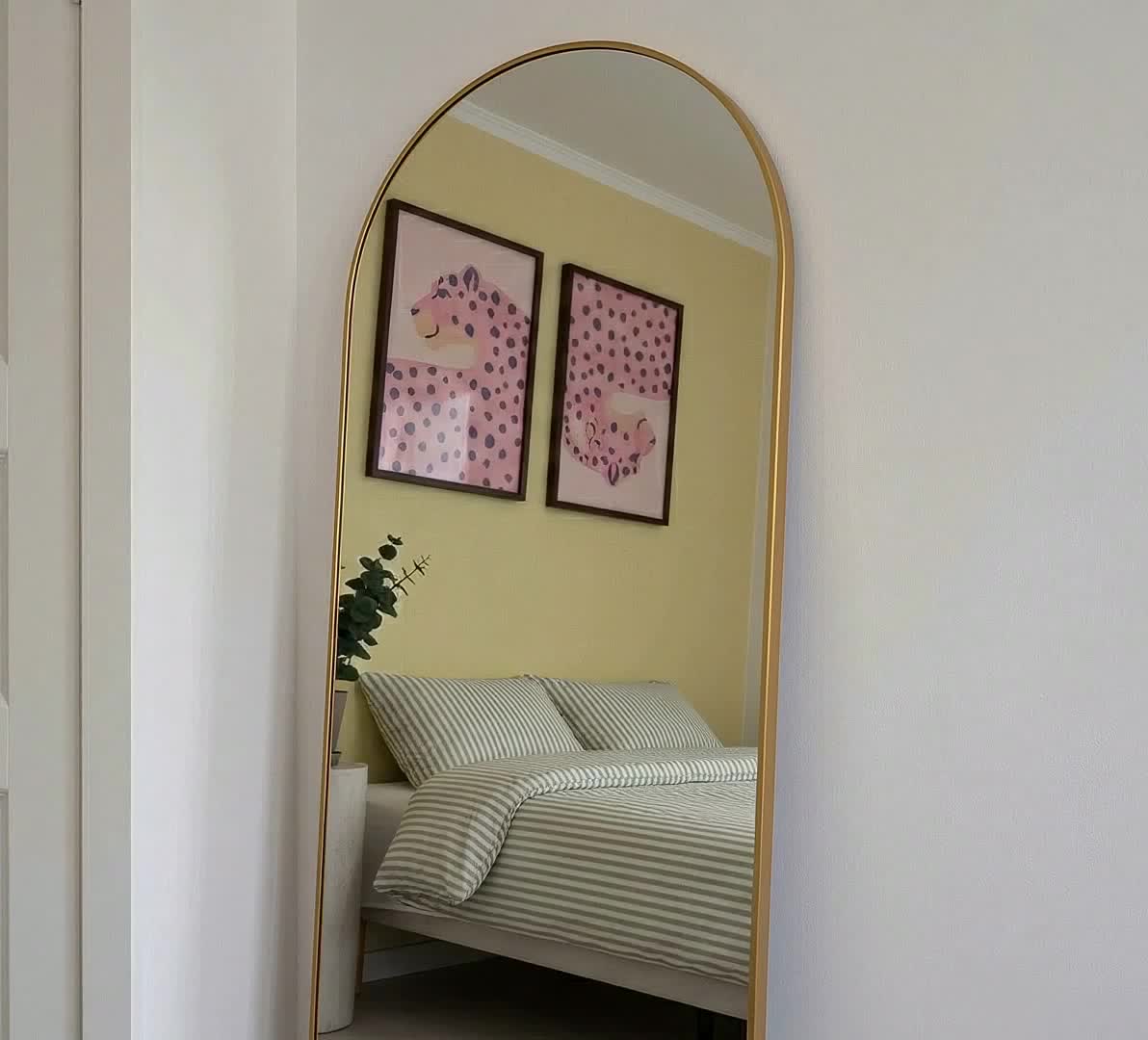
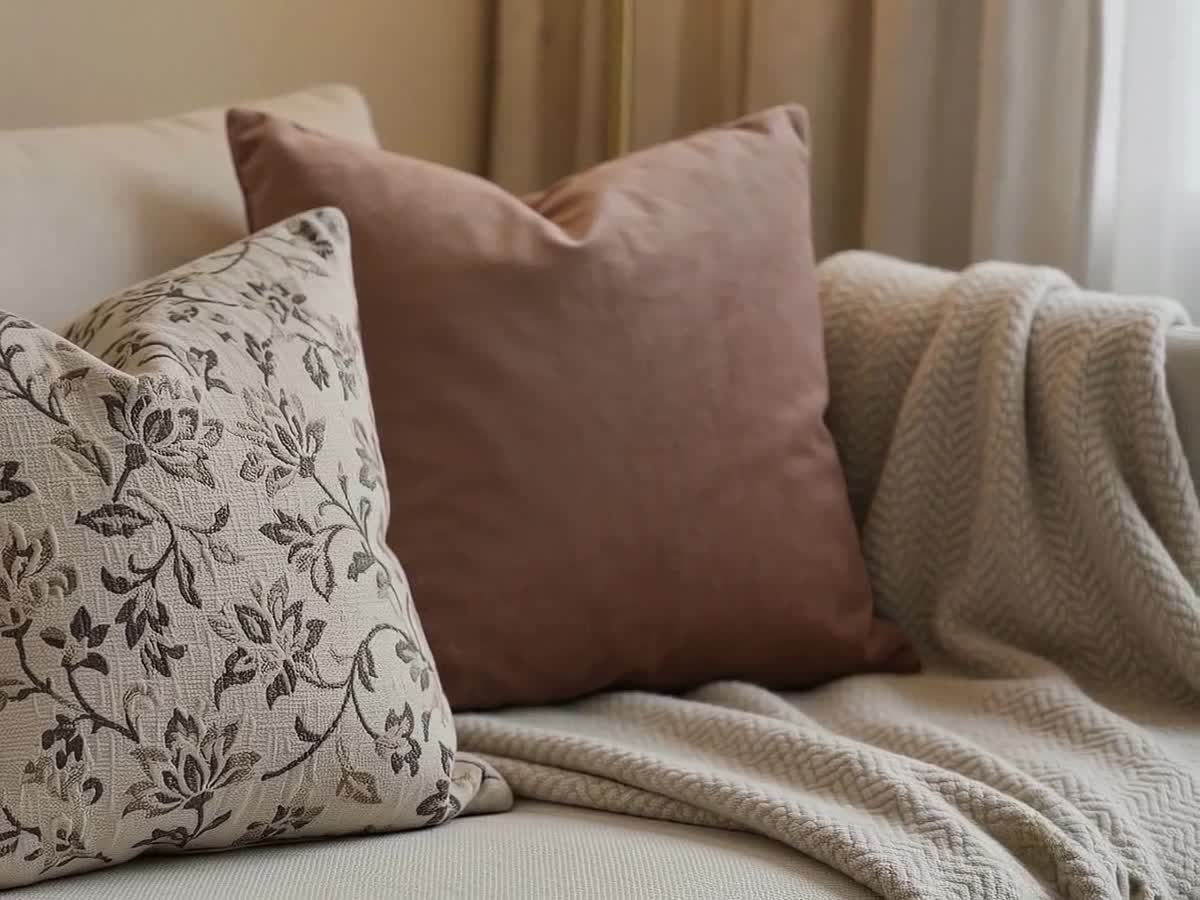
How it works
From camera roll to approved gallery.
- 01
Walk through and snap
The owner (or your cleaner, or you) walks the home with a phone. Upload the snapshots as they are, HEIC included, or pick the property's existing listing images.
- 02
The studio reshoots
Each room comes back with perspective corrected, exposure and white balance fixed, beds made and named clutter removed, plus new angles, detail shots and an evening version.
- 03
Review, then approve
An AI reviewer scores and critiques every shot first. You compare each one against the original with a magnifier, approve, reject with a reason, crop, or rate. Nothing goes out unseen.
- 04
Deliver
Approve a set and get the gallery, a grounded listing description and a share link for the owner. During onboarding the finished listing is pushed to your PMS (Guesty today) for you to publish.
What it does
The gallery a photographer would have delivered.
Without the booking, the drive, the wait, or the day the home had to be perfect.
Starts with what you have
Phone photos straight from the camera roll, or the listing images already on the property.
Straighten and relight
Perspective corrected, exposure and white balance fixed. What is in the room stays in the room.
Tidy the room
Beds made, clutter you name removed. Furniture is never moved or invented.
New angles and detail shots
Extra viewpoints grounded in the whole photo set, so the room stays the same room from every side.
An evening take
A lit, dusk version of each room for the listing's mood shot, from the same walk-through.
AI review, then yours
A review agent grades every shot and flags anything it does not trust. You keep the final say, photo by photo.
Listing description
Written from the approved photos and the property facts, so it describes the home that exists.
Owner review link
Send the owner a link to review the gallery themselves, or a read-only summary of the approved set and listing text.
What it will not do
Better photos of the real home. Not a different home.
Real rooms only
The studio works from an inventory of what is actually in the room and is not allowed to add furniture, windows or views. A reviewer checks every shot for exactly that.
You approve every photo
Nothing generated reaches a listing on its own. Every shot is graded first by the AI reviewer, then by a person who compares it against the original.
Early access, honestly
Results still vary between rooms. Mirrors and reflections are the usual weak spot, and some rooms need a second pass. Rejections and ratings are what the next version is trained on.
New listings live in a day. Owner does the walk-through.
Send the owner a link. They walk the home, answer the checklist and snap photos as they go. Reshoot Studio makes the photos, Proptonomy writes the description and builds the property knowledge your AI teammate will use for years, then pushes the finished listing into your PMS (Guesty today), unlisted, for you to review and publish.
The owner does the onboarding. You watch a progress bar.
ReshootPhone photoReshootPhone photoReshootPhone photoReal output. The small tile is the phone photo exactly as uploaded; the large one is what Reshoot Studio made from it.
Questions
Before you send us your first walk-through.
- No. The pipeline locks the room's inventory from the source photos and the review agent fails shots that add or remove real objects. Tidying is limited to what you ask for: making beds, removing named clutter.
Photos on day one.
Bring one walk-through of one property to the demo and watch it come back as a gallery.
Give your operations team the night off.
Tell us where to reply. We come back with the same thirty-day figures for your portfolio, and a thirty-minute walk through the desk if you want one.